How to stop websites from tracking you
- WeThePurple
- Protect
- 8 min read
Cookies, tracking pixels and browser fingerprints quietly profile you across the web. How websites actually track you, and the concrete browser, privacy and network steps - most only a few minutes - to shut most of it down.
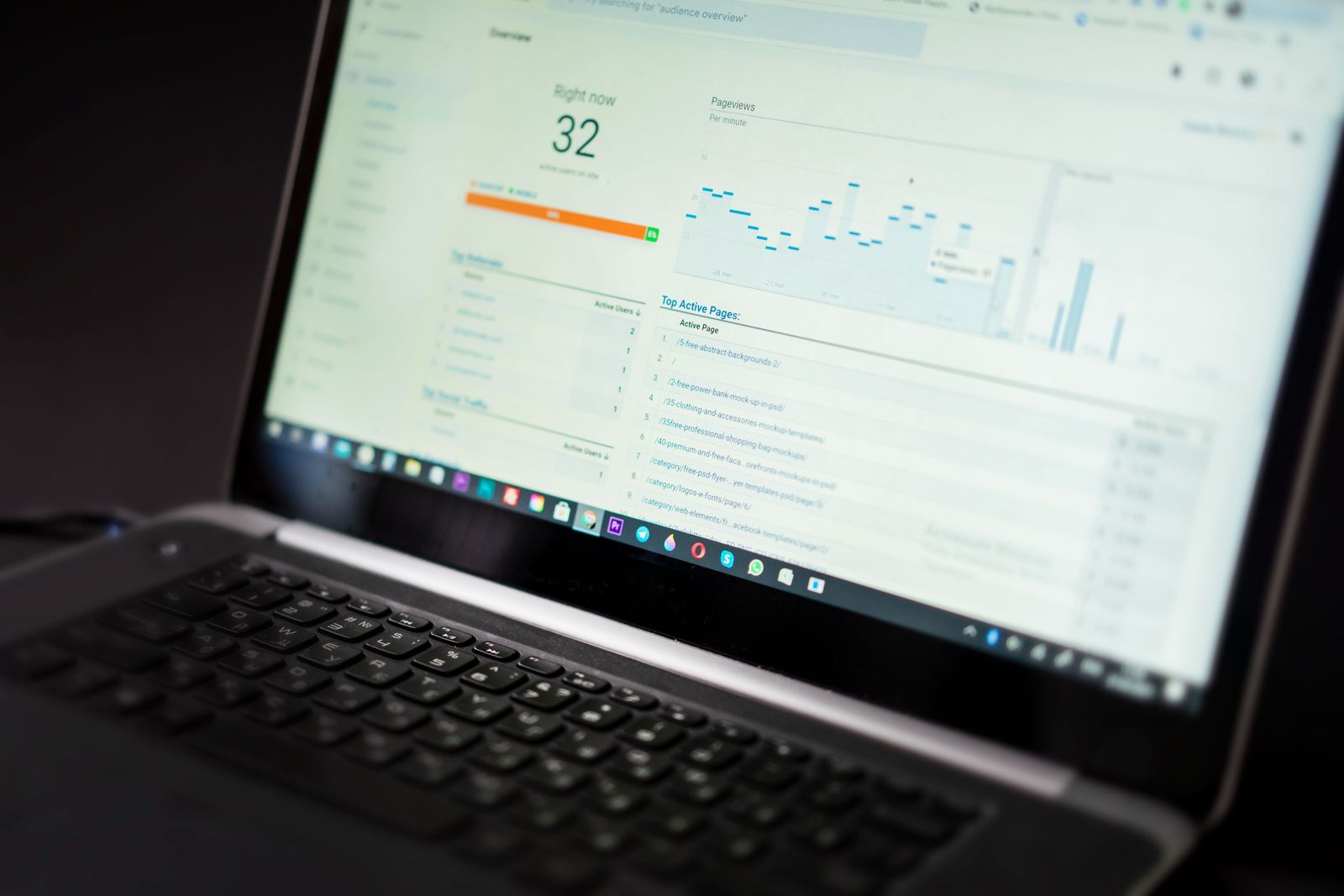
Open almost any web page and, behind the visible content, dozens of small scripts can quietly note what you read, how long you stay, what you click and where you go next. Most of this happens without a clear prompt, and it follows you from site to site to build a profile used for advertising, pricing and analytics. If you have ever felt that an ad 'read your mind' moments after browsing, you have already met web tracking in action.
The reassuring part is that tracking is not magic, and you do not have to accept it as the price of using the web. A handful of settings, browser choices and habits can sharply cut how much sites learn about you - often in minutes, and without breaking the pages you actually want to use. This guide explains the main ways websites track you, then walks through concrete steps to shut most of it down.
How do cookies and trackers follow you across websites?

The oldest tracking tool is the cookie: a small file a site stores in your browser. First-party cookies from the site you are visiting are usually harmless and useful - they keep you logged in or remember your cart. The problem is third-party cookies, set by advertising and analytics companies embedded across many sites, which let those companies recognise you as you move around the web and stitch your activity into one profile.
Cookies are only the start. Tracking pixels (tiny invisible images) and scripts report your visit back to a server, including in many marketing emails, where opening the message silently confirms your address is active. Your IP address reveals your rough location and ties requests together, and your browser leaks a surprising amount about your setup - screen size, fonts, operating system, time zone - which can be combined into a near-unique 'fingerprint' that follows you even without cookies.
Which browser settings stop tracking?
Start with your browser, because that is where most tracking lands. Choose a browser that blocks third-party cookies and known trackers by default, and turn that protection on if it is optional. Clearing cookies and site data regularly wipes the long-term identifiers advertisers rely on, and using private or incognito windows keeps a session from being saved locally - though, importantly, incognito does not hide you from the websites themselves or from your network, so do not treat it as anonymity.
- Block third-party cookies by default and clear cookies and site data regularly to wipe long-term advertising identifiers
- Add a reputable content/tracker blocker so tracking scripts and pixels never load - pages get faster too
- Reject non-essential cookies on consent banners instead of clicking 'accept all', and turn off ad personalisation in browser settings
- Use a private, tracker-blocking search engine and a browser that resists fingerprinting; keep it updated and avoid unusual extensions
- Remember incognito mode is not anonymity - it hides nothing from the websites you visit or your network
- Use a VPN to replace your IP and encrypt your connection, weakening IP-based and location tracking across sites
Add a reputable content blocker or anti-tracking extension to stop tracking scripts before they load, which also speeds up pages. Review your browser's privacy settings and switch off ad personalisation, turn on 'Do Not Track' or global privacy controls where offered, and limit which sites can access your location, camera and microphone. On consent banners, reject non-essential cookies rather than clicking 'accept all' out of habit - the legal default in many regions is that you can say no.
How do you reduce your browser fingerprint and hide your IP?
Reducing your fingerprint is harder but worthwhile. Keep your browser updated, avoid piling on unusual extensions that make you stand out, and consider a browser that actively resists fingerprinting. Use a private, tracker-blocking search engine instead of one that logs your queries, and be cautious with 'sign in with' buttons, which can share data between the platform and the site. Logging out of large accounts when you do not need them reduces how much your activity is linked to a single identity.
Finally, deal with the network layer that sits underneath the browser. Your internet provider and the networks you join can see the sites you connect to, and your IP address helps third parties correlate your visits. A VPN encrypts your connection and replaces your real IP with the server's, so sites and networks see the VPN instead of you - a practical way to weaken IP-based tracking and location profiling. It is not a complete answer on its own, but combined with the browser steps above it removes one of the easiest ways you are followed across the web.
Blocking a tracker removes one observer. It does not change what a lost and unlocked device still opens, nor which single account receives every password-reset link you will ever need. Situate your own attack surface, 10 questions, about three minutes, no account, no email, nothing stored.


Finally, deal with the network layer that sits underneath the browser. Your internet provider and the networks you join can see the sites you connect to, and your IP address helps third parties correlate your visits. A VPN encrypts your connection and replaces your real IP with the server's, so sites and networks see the VPN instead of you - a practical way to weaken IP-based tracking and location profiling. It is not a complete answer on its own, but combined with the browser steps above it removes one of the easiest ways you are followed across the web.