
Le propriétaire du Wi-Fi peut-il voir ce que vous faites ? Et cela apparaît-il sur la facture ?
- WeThePurple
- Se protéger
- 8 min de lecture
Deux questions différentes, deux réponses différentes. Celui qui gère le réseau voit quels sites vous atteignez, mais pas ce que vous y faites. La facture ne montre ni l'un ni l'autre. Ce qui est visible, ce qui ne l'est pas, et ce qui change vraiment la donne.
Deux questions reviennent sans cesse, et on les mélange alors que les réponses diffèrent. Le propriétaire du Wi-Fi peut-il voir ce que je fais ? Et est-ce que cela apparaît sur la facture internet ? En résumé : oui à la première, de façon plus étroite qu'on ne le craint, et non à la seconde.
Ce que l'exploitant du réseau voit, et ne voit pas
Commençons par la facture, parce que c'est la plus simple et que la croyance est tout simplement fausse. Une facture internet ne liste pas l'historique de navigation. Elle indique l'abonnement, la formule, parfois le volume de données consommé et les éventuels frais supplémentaires. Elle ne contient aucune liste des sites visités par les membres du foyer. Les opérateurs conservent bien des enregistrements de connexion pendant des durées légales dans de nombreux pays, mais ces données ne figurent pas sur une facture, et le titulaire du contrat ne peut pas les consulter depuis son espace client.
La question du propriétaire du Wi-Fi est plus intéressante, car la réponse honnête est *certaines choses, pas d'autres*, et la frontière se situe à un endroit qui surprend.
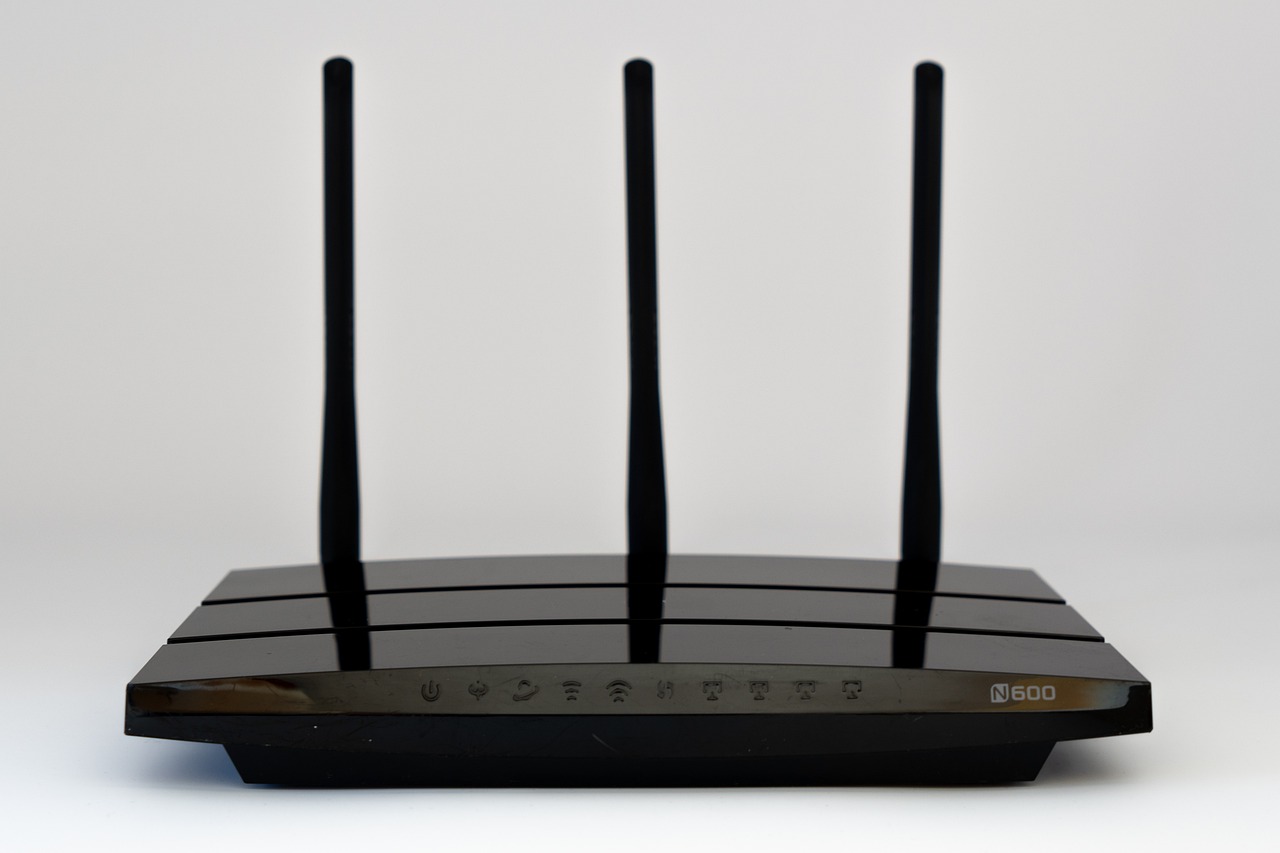
Ce que voit celui qui gère le réseau. Qui contrôle le routeur voit les destinations auxquelles votre appareil se connecte : les adresses IP et, la plupart du temps, les noms de domaine. Les domaines fuient de deux façons ordinaires, même sur des connexions chiffrées. Si votre appareil utilise le serveur DNS du routeur, chaque résolution passe par lui. Et la poignée de main TLS qui ouvre une connexion HTTPS transporte historiquement le nom d'hôte en clair, dans un champ appelé SNI. Donc `exemple.com` est généralement visible.
Ce qui change réellement la donne
Il voit aussi la forme de votre trafic : à quels moments vous étiez en ligne, quel volume de données a circulé, et approximativement de quel type de service il s'agissait. Un flux long et régulier à un débit vidéo se reconnaît comme du streaming sans que personne n'ait lu le moindre octet.
- **Visible par l'exploitant du réseau :** adresses IP de destination, noms de domaine via le DNS et le champ SNI de TLS, horaires et volumes de données
- **Invisible avec HTTPS :** contenu des pages, URL complètes, termes de recherche, messages, données de formulaire, mots de passe
- **Pas sur la facture :** l'historique de navigation ne figure sur aucune facture internet, sous aucune forme
- **DNS chiffré (DoH/DoT) :** supprime la fuite DNS vers le routeur
- **Encrypted Client Hello :** referme la fuite du SNI, quand le navigateur et le site le prennent en charge
- **Un VPN :** l'exploitant ne voit qu'un tunnel chiffré et rien de son contenu
Ce qu'il ne voit pas. Avec HTTPS, désormais la norme sur le web, l'exploitant ne voit pas la page que vous lisez, les termes que vous avez cherchés, les messages envoyés, le contenu des formulaires ni vos mots de passe. L'URL complète après le domaine, la partie après la barre oblique, se trouve à l'intérieur du canal chiffré. Savoir que vous vous êtes connecté à un site d'actualité n'est pas savoir quel article vous avez ouvert.
C'est la distinction qui compte, et celle que la plupart des articles brouillent : le domaine est souvent visible, le contenu ne l'est presque jamais.
Que tout cela soit enregistré est une autre question. La plupart des routeurs grand public ne conservent pas de journal de navigation détaillé par défaut : leur stockage est minuscule et la fonction est généralement désactivée. Les réseaux d'entreprise, d'école ou d'hôtel sont un autre sujet, car ils utilisent fréquemment du matériel conçu précisément pour journaliser et filtrer. La règle pratique : sur un réseau que vous ne contrôlez pas, considérez que les destinations peuvent être enregistrées, et agissez en conséquence.
Ce qui change réellement la donne. Le DNS chiffré (DoH ou DoT) empêche le routeur de voir vos résolutions. Encrypted Client Hello, lorsque votre navigateur et le site le prennent en charge, referme la fuite du SNI. Un VPN fait les deux à la fois et davantage : l'exploitant ne voit plus qu'une seule connexion chiffrée vers le serveur VPN, et rien de ce qui y circule. C'est la différence réelle qu'apporte un VPN ici, et elle mérite d'être énoncée précisément plutôt que vaguement.
Ce qu'un VPN ne fait pas, c'est vous rendre anonyme vis-à-vis des sites que vous visitez, ni rien cacher au fournisseur du VPN lui-même, ce qui explique l'importance du choix de ce fournisseur. Le résumé honnête : le propriétaire du Wi-Fi voit où vous allez, pas ce que vous y faites ; la facture ne montre ni l'un ni l'autre ; et si c'est le *où* que vous voulez garder privé, c'est le chiffrement à la bonne couche qui l'efface.
Savoir qu'on est observé est utile. Savoir laquelle de ses propres habitudes rend la chose facile l'est davantage, et ce n'est presque jamais celle qu'on croit. Situez votre propre surface d'attaque, 10 questions, environ trois minutes, sans compte, sans adresse e-mail, rien n'est conservé.


**Ce que voit celui qui gère le réseau.** Qui contrôle le routeur voit les destinations auxquelles votre appareil se connecte : les adresses IP et, la plupart du temps, les noms de domaine. Les domaines fuient de deux façons ordinaires, même sur des connexions chiffrées. Si votre appareil utilise le serveur DNS du routeur, chaque résolution passe par lui. Et la poignée de main TLS qui ouvre une connexion HTTPS transporte historiquement le nom d'hôte en clair, dans un champ appelé SNI. Donc `exemple.com` est généralement visible.