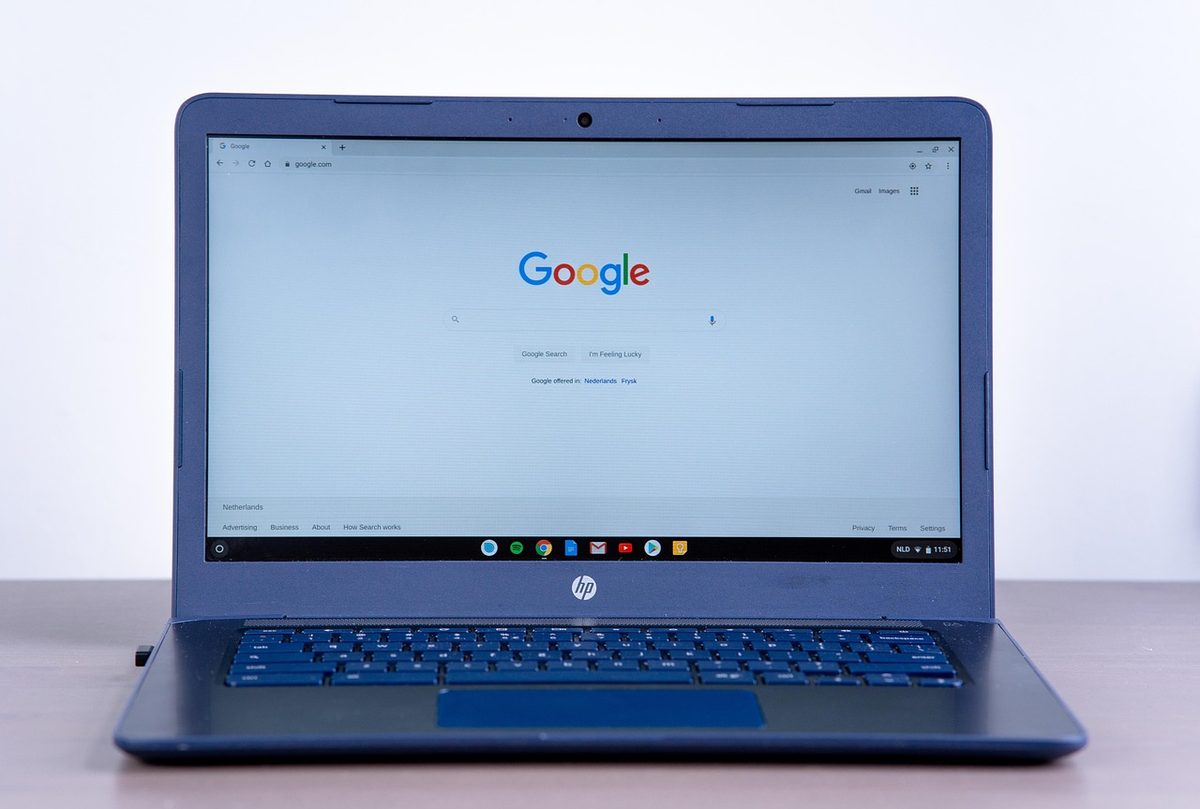
The best private search engines
- WeThePurple
- Tools
- 7 min read
A private search engine gives you good results without building a profile of you. What makes one private, the credible options (DuckDuckGo, Brave Search, Startpage, Mojeek, SearXNG), the honest limits, and how to switch in two minutes.
"Best private search engine" really means one thing: an engine that gives you good results without building a profile of who you are. Mainstream engines are free because your searches - what you look for, when, and from where - feed an advertising profile. A private search engine breaks that link: you get the answers, it doesn't get a dossier.
In 2026 you don't have to choose between good results and privacy. Several private engines are genuinely usable as an everyday default, and switching takes about two minutes. This guide explains what makes a search engine private, the credible options, the honest limits, and how to switch.
What makes a search engine private

A private search engine is defined by what it does not do: it doesn't tie your queries to a personal identity or a persistent profile, doesn't track you across other sites, and doesn't build the long-term search history that powers targeted ads.
Two things follow. First, no filter bubble - results aren't quietly reshaped around your past behaviour, so people searching the same term see broadly the same thing. Second, far less data to leak or to be legally demanded: an engine that never builds a profile simply has little to hand over.
The private search engines worth knowing
There is no single "best" for everyone - it depends on whether you want the easiest switch, a fully independent index, or maximum control. The credible options each take a different approach:
- DuckDuckGo - the easy default: no tracking, results from Bing plus its own sources, with clean apps and browser extensions
- Brave Search - its own independent index (not reliant on Google or Bing), no tracking, built into the Brave browser
- Startpage - Google's search results delivered without Google's tracking (based in the Netherlands)
- Mojeek - a fully independent crawler and index (UK-based), for leaving the big indexes entirely
- SearXNG - open-source metasearch you can self-host, aggregating results with no logging
- How to choose: easiest switch → DuckDuckGo or Brave; Google results minus tracking → Startpage; maximum independence → Mojeek or SearXNG
For most people, DuckDuckGo or Brave Search is the simplest move and covers everyday searching well. If you specifically want Google's results without Google's tracking, Startpage is the bridge. If independence from Big Tech indexes matters to you, Mojeek (its own crawler) or a SearXNG instance (open-source, self-hostable) go furthest.
What a private search engine can't hide
A private search engine is one layer, not a cloak of invisibility. It stops the engine profiling you - but your internet provider (or mobile carrier) still sees the websites you connect to, and the sites you then open still run their own tracking.
So "private search" protects the search step, not your whole connection. To cover the network layer - hiding which sites you reach from your ISP and from the Wi-Fi you're on - pair a private search engine with a VPN. The two solve different problems and work well together.
How to switch in two minutes
Switching is quick and reversible: open your browser settings, find "Search engine", and pick your choice as the default; most private engines also offer a one-click "add to browser" button and mobile apps. Try it for a week - if the results work for you, you've upgraded your privacy with zero ongoing effort.


So "private search" protects the search step, not your whole connection. To cover the network layer - hiding which sites you reach from your ISP and from the Wi-Fi you're on - pair a private search engine with a VPN. The two solve different problems and work well together.